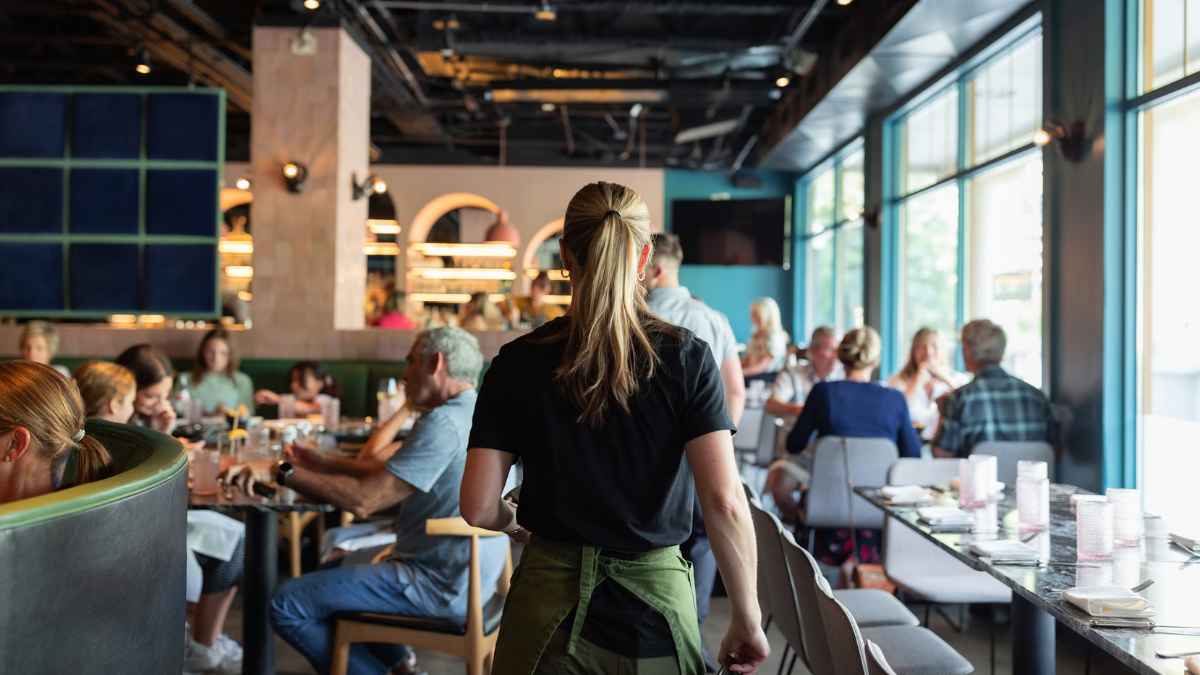

Implementing QR-based bill splitting in a full-service restaurant takes about a week from signup to live tables. The setup is simpler than most owners expect: no new hardware, no kitchen changes, no POS replacement. The work is in the details of integration, staff preparation, and running a smart pilot.
This post walks through the full implementation process, from evaluating your current setup to going live with guests. We'll use TabSettle's process as the primary walkthrough since it's the system we built and deploy, but the general framework applies regardless of which platform you choose. If you're still evaluating options, our comparison of the best pay-at-table solutions for 2026 covers the full landscape.
Step 1: Audit your current setup
Before anything gets installed, take 20 minutes to assess what you're working with. The three things that matter are your POS system, your Wi-Fi, and your table layout. Getting clarity on these upfront prevents surprises later.
Your POS system
The first question is which POS you're running and what version. This is the first gate for any QR-based payment system because the platform needs to pull your itemized check data in real time. If your POS can't share that data, the integration either won't work or will require a workaround.
TabSettle has direct API integrations with Square and Clover using multi-tenant OAuth. The connection is straightforward: you authorize TabSettle to access your check data, and the system pulls itemized bills automatically. For Toast, TabSettle uses an OCR and custom API fallback — it works, but it's not a formal API partnership. A direct Toast integration is on the roadmap.
If you're evaluating other platforms: Sunday integrates with most major POS systems. Up 'n go has the strongest integration with NCR Aloha. Toast Mobile Order & Pay only works with Toast.
Your Wi-Fi
Guests need internet access to scan the QR code and load the bill on their phones. Most will use your restaurant's Wi-Fi, though cellular data works too. The bandwidth requirement is minimal — each session is a lightweight web page, not a video stream.
The main thing to check is whether you have any dead spots in your dining room. If there's an area where phone signal is weak and Wi-Fi doesn't reach, guests at those tables will have trouble loading the bill. A quick walk-through with your phone on Wi-Fi will tell you if there's an issue.
Your table layout
Every table needs a QR code. That means you need a flat surface, a check presenter, or some other consistent spot where the code will live. If you have reconfigurable tables — ones that get pushed together or separated for different party sizes — plan for how the QR codes will move with the layout.
Best placement options: near the edge of the table where guests can easily reach with their phone camera, inside a check presenter (so it's presented at the end of the meal), or on a small acrylic stand that sits on the table. The goal is visibility without cluttering the dining experience.
Step 2: Connect your POS and payment processing
POS connection
For Square and Clover, the connection is an OAuth flow that takes about 10 minutes. You log into your POS account, authorize TabSettle, and the integration is live. Your menu items, table numbers, and check data start syncing immediately.
For Toast and other POS systems that use the OCR fallback, the TabSettle team handles the configuration. This typically takes one business day. The team will walk you through any POS-side settings that need to be enabled.
Payment processing (Stripe Connect)
TabSettle processes payments through Stripe Connect. During onboarding, you either connect an existing Stripe account or create a new one. Stripe handles all PCI compliance, fraud detection, and payouts. The processing rate is a flat 2.9% + $0.30 per transaction — standard card-not-present pricing with no additional surcharges.
QR code generation
Each table gets a unique QR code tied to its POS table number. When a guest scans the code, the system knows which table they're at and pulls the correct check. There's no manual table selection or code entry.
TabSettle provides physical table tents or print-ready files, depending on your preference. The codes are permanent — they don't expire or change unless you need to regenerate one for a specific table.
Step 3: Prepare your staff
This is the most underestimated step in the entire process. The technology can be perfect, but if your servers don't understand it or don't mention it to guests, adoption will stall at 30% instead of reaching 80%. Staff preparation is the difference between a system that collects dust and one that transforms your checkout flow.
What it is (in one sentence)
Give your team a single sentence they can use with every table: "You can scan the QR code on the table to split the bill and pay from your phone. It takes about a minute."
How it helps them
Pitch this to your team in terms of what it does for them, not just the restaurant. Every group table that uses QR splitting gives the server back 5–10 minutes they'd otherwise spend running cards and splitting checks at the POS. That's more covers per shift and more earning potential. If you're running a busy Friday night, those minutes add up fast.
Digital tip prompts also tend to increase tips by 10–20% compared to paper receipts. Suggested percentage buttons nudge guests toward higher tips, and the convenience of tapping a button means fewer guests round down.
What to do when guests have questions
Equip your team with answers to the four most common guest questions:
"Do I need to download an app?" No. You scan the QR code with your phone camera and it opens in your browser. No app, no account, no signup.
"Is it secure?" Yes. The payment is processed through Stripe, which uses the same encryption as any online purchase. Your card information is never stored by the restaurant.
"Can I still pay with my card the regular way?" Absolutely. The QR code is an option, not a requirement. Your server can run your card the traditional way anytime.
"How do I split shared items?" Tap the item on your screen, then choose how many people are splitting it. The cost divides evenly between everyone who claims a share.
Consider printing a one-page FAQ sheet for your staff to reference during the first week. Once they've answered these questions a few times, it becomes second nature.
Step 4: Run a pilot
TabSettle's pilot program
TabSettle offers a free 30-day pilot with three structured checkpoints:
- On-site setup visit (Day 1): The TabSettle team comes to your restaurant, places QR codes, verifies the POS connection is working, and briefs your staff in person.
- Mid-pilot check-in (Day 14): A review of adoption data so far — how many tables are scanning, average checkout time, tip percentages, and any issues flagged by staff or guests.
- Full data review (Day 30): A comprehensive look at the pilot results with a recommendation on whether to move forward, adjust the approach, or walk away.
What to measure during the pilot
- Adoption rate: What percentage of tables are using the QR code to pay? Aim for 40–60% by the end of the pilot.
- Checkout time per table: Compare the average time from check drop to payment completion for QR tables vs. traditional tables.
- Tip percentages: Track whether digital tip prompts are moving the average up.
- Server feedback: Are your servers mentioning it to guests? Do they find it helpful or disruptive?
- Guest feedback: Are guests asking about it? Complaining? Requesting it at tables that don't have it yet?
Step 5: Go live across all tables
Full rollout checklist
- QR codes on every table: Make sure every table in your dining room has a visible, scannable code. Check that no codes have been damaged, removed, or obscured during the pilot.
- Brief all staff: If you piloted with a subset of servers, bring the full team up to speed. Use the same one-sentence pitch and FAQ sheet from step 3.
- Update check presenters: If you use check presenters, add a small card or sticker that reminds guests they can scan to split and pay.
- Let guests know: A small table tent or a mention from the server is enough. You don't need signage at the door or a full marketing campaign. The QR code on the table does most of the work.
Step 6: Optimize over time
- Watch adoption rate by table size: Groups of 3+ will adopt fastest because splitting is their biggest pain point. Parties of 1–2 may prefer traditional payment. That's fine — the system handles both.
- Track checkout time savings: After 60–90 days, you'll have enough data to quantify how many minutes per shift QR splitting saves your team. Use this to make staffing and operational decisions.
- Listen to recurring feedback: If guests consistently ask for a feature or complain about a friction point, surface it. Platforms like TabSettle use this feedback to improve the product.
- Revisit table layout seasonally: If you have a patio that opens in spring or a private dining room for the holidays, make sure QR codes are deployed to those areas too.
What you'll need (summary)
| What | Details |
|---|---|
| Compatible POS | Square, Clover (direct API); Toast and others via OCR/custom API |
| Internet access | Guest Wi-Fi or cellular data |
| QR codes | Provided by TabSettle, one per table |
| Stripe account | Connected during onboarding |
| Staff training | 10–15 minutes total |
| New hardware | None |
| App for diners | None |
| Kitchen changes | None |
| Order-taking changes | None |
Frequently asked questions
How long does the full setup take?
With TabSettle, the POS connection and Stripe setup typically take one business day. QR code production takes a few days. The on-site setup visit takes about an hour. Most restaurants are live within a week.
Do I need to change anything about how my kitchen operates?
No. QR-based bill splitting only affects the payment process after the meal. Your kitchen workflow, ticket management, and order routing stay exactly the same. The system sits entirely on the checkout side of the experience.
What if I add or remove tables?
Adding a table is as simple as generating a new QR code. Removing a table means taking down the QR code. The system scales with your floor plan without requiring any reconfiguration or downtime.
Can I use QR splitting for private events or large parties?
Yes. For standard private dining, each table gets its own QR code just like the main dining room. For large events with one check for 20+ guests, it works if the POS generates one itemized check. All guests scan the same QR code and join the same splitting session.
What happens after the 30-day pilot?
If the pilot goes well, you move to a monthly subscription with a flat monthly fee. If it doesn't work for your restaurant, you walk away with no obligation. There's no contract lock-in and no cancellation fee.
TabSettle is a QR-based collaborative bill-splitting platform for restaurants that lets diners scan, split, and pay from their phones. Ready to see how it works in your restaurant? Start a free 30-day pilot.